
If you do not receive a welcome letter, check your SPAM folder. The email is sender is [email protected].
If you still cannot find it, go to the Developer Portal.
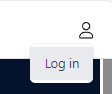
- Click on the user icon in the upper right corner and select Log In.
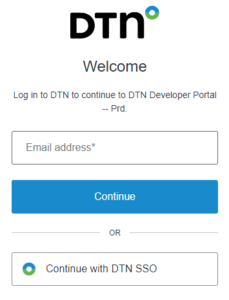
- The login screen will appear. Enter your email address.
- Click Continue.
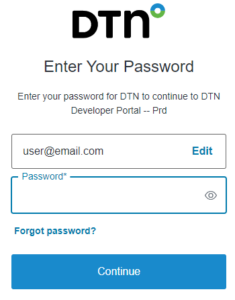
- Click Forgot Password.
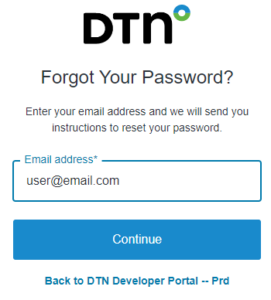
- Enter your email address. If you do not receive an email after a few minutes, click Resend email.
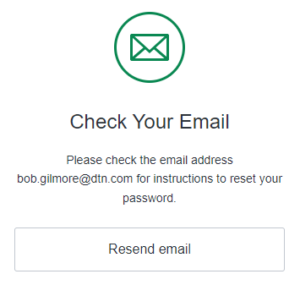
- The system will email a link to reset your password. Click the Change my password link.
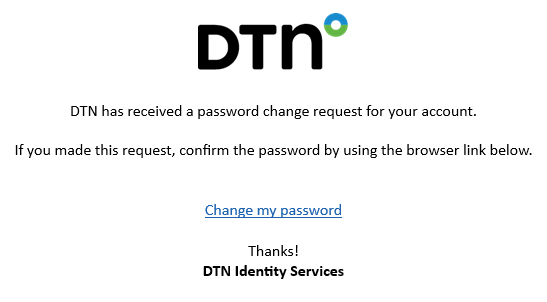
You will receive a prompt to change your password.
- Follow the password requirements listed at the bottom.
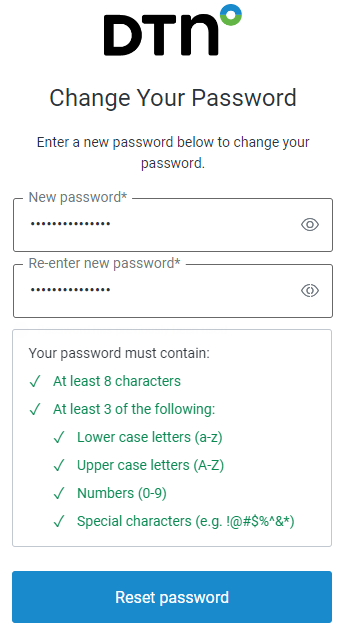
- Click Reset password. You will be prompted that your password has changed.
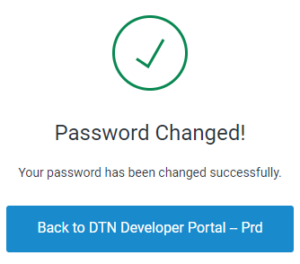
- Click Back to DTN Developer Portal – Prd.
- Follow normal login procedures using your new password.